AI bedtime story generator
Use this AI bedtime story generator to give your child the starring role in a calm bedtime story about their favorite things.
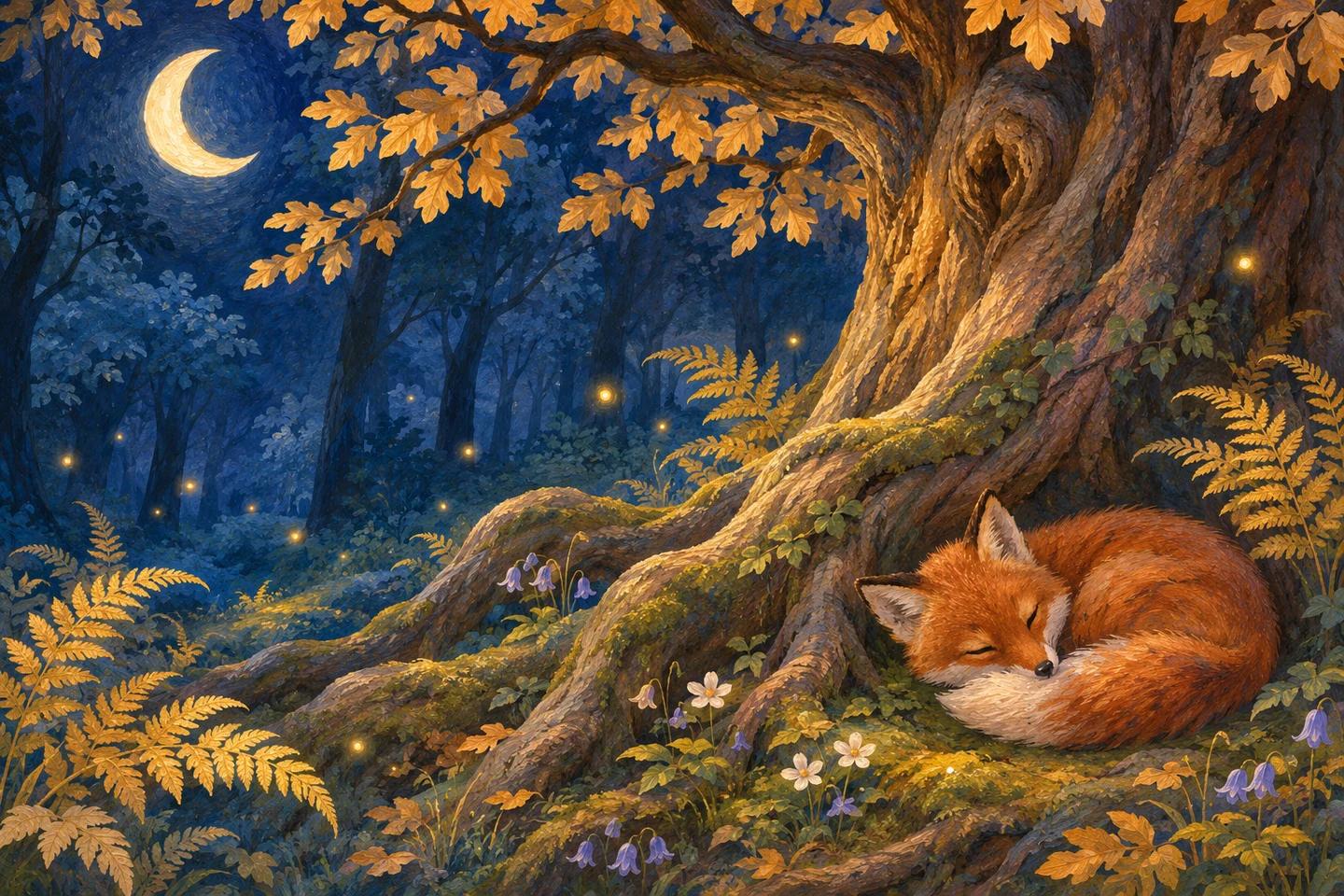
How the AI bedtime story generator works in three steps
- Pick a hero. Enter a short nickname in the AI bedtime story generator and choose an age from 3 to 10. A made-up name works well if you would rather keep family details out of the draft. Younger listeners usually do well with a small cast and one clear thing to follow. For an older child, try a hero with a decision to make or a clue to notice.
- Choose what the hero will find. Pick up to three favorite things, such as dinosaurs, space, or the ocean, and choose the feeling you want to end on. Start with just one interest if your child is keen to hear about something specific. Pick a short read for a late bedtime, or give the bedtime story room to unfold when you can read together for longer.
- Read it through and make it yours. When the AI bedtime story draft appears, look at the title and read the ending first. Say the hero’s name out loud. Read the full bedtime story to make sure it’s right for your child, then print it, save a PDF, or read it straight from the screen. If the opening feels busy, try the same settings with one interest instead of three.
A bedtime story sample for ages 4–7
The Night Ada Lent the Moon a Blanket
Ada had a small blue blanket with a yellow line along one edge. She used it for picnics under the table and for carrying her wooden animals upstairs. One evening, when she looked out her window and saw the moon hanging above the orchard, she thought it looked a little cold. She folded the blanket over her arm and went down to the garden with her father.
The garden wall was just high enough to lean on. Ada laid the blanket across the top and turned the yellow edge toward the orchard so the moon could find it. While she waited, she listened to an apple fall into the grass. It made a sound like a soft shoe dropping from a low chair.
After a while, Ada saw something pale at the bottom of the wall. A moth had landed on the yellow edge. She pulled her hand back and held very still. The moth folded its wings, and a second moth settled farther along the blanket. Ada could see both of them by the light of the moon.
Her father brought out a little towel for the moths in case they were still there when it was time to go in. By then a cloud had drifted in front of the orchard, and Ada could see only one thin corner of the moon. She thought that a cloud might make a good blanket after all. She left the towel on the wall and carried her blue blanket up to bed.
In her room she spread it over her toes, yellow hem facing the window. The cloud went on its way. A small patch of light landed on the blanket. Ada waited until it was quite still, then told the moon goodnight.
Choose a bedtime story reading time that fits tonight
Three minutes works when you’re already close to lights out. Try one character, one small errand, and a quiet place to come home to. It leaves enough room to read a favorite sentence twice. Five minutes gives the main character time to meet someone or find a surprise along the way. It’s a good starting point if your child usually listens to one picture book before sleep.
Ten minutes gives an older child time to notice an earlier detail come back near the end. Try it when you have a little longer to read together and are happy to wait for a longer draft from the AI bedtime story generator. Reading time is an estimate. Pauses, questions, and your reading pace can make a story take longer. A three-minute draft can also be part of a five-minute routine if you stop to look at what happened.
The narrator in the preview above is from the library. It plays a prerecorded excerpt, so replaying it doesn’t create new audio. For the upcoming voice narration option, the monthly allowance covers the running time of new recordings. A five-minute recording uses about five of the 30 included minutes, while a ten-minute session takes roughly ten. Your browser’s print button works on the free text draft today.
Let the story settle before the last line
At bedtime, a small problem is often enough. A fox can look for a dry place to sit, a dinosaur can try to return a leaf, or a child can wait for the moon to clear a cloud. Let the main character finish one thing before something else happens. If your child asks where a character went, bring the name back into the next sentence so they can follow the story without turning on the light.
Read the last paragraph a little more slowly than the first. Keep the picture simple enough that your child can imagine it with their eyes closed. You might end with the sound of rain on the roof or with the sight of one light staying on down the street. A child who wants another page can pick one detail to remember for tomorrow. If you want more ideas, browse the children’s stories by age and theme.
Make a story for tonight or give one as a gift
What you can make for free
Read the library, play its samples, and write a text draft to print or save as PDF. If you’re deciding whether a story is right for tonight, start with a library story and see how long it takes your family to read it. The library works well for nights when a child just wants to hear a familiar voice reading from a page.
The planned digital storybook is $12.90, the planned printed gift box is $49, and the planned personal narration subscription is $14.90 per month. The digital edition would include up to five minutes of audio. Checkout is closed. See the pricing details for what each edition would include and how the narration allowance would work.
Frequently asked questions
Do I need an account to try the AI bedtime story generator?
Open the AI bedtime story generator above, pick your settings, and write a free text draft in your browser. You can also read the public library and play its samples right away.
Can I save or print the bedtime story?
Use Print or save PDF after the bedtime story appears. Choose Save as PDF or a printer in the dialog. The free print layout is text, and you can keep it on your device for another night.
Can I edit the story after generating it?
To change its direction, choose a different theme, mood, or length in the bedtime story generator and write a new draft. To change a particular line, copy the text into a document and edit it there.
Who reads the audio sample?
The preview plays an excerpt with the library narrator. Some library stories have longer samples. Our AI bedtime story generator delivers a calm draft for you to read aloud tonight.
Do I have to upload a child’s voice?
No. The public AI bedtime story generator asks only for a nickname, age, and story choices. Personal narration uses a consenting adult’s own voice. Do not submit recordings of children.
Can a relative open my story using a link?
There is no public link for a free draft. You can send a PDF you saved if you want a relative to read the bedtime story. Review the name and any details before you share.
What if my child wants the same story tomorrow?
Save the draft as a PDF today. Open that file tomorrow so they can hear the same words again. If they’re ready for another adventure, reuse the same nickname and choose a new interest.
Bedtime stories for kids
View all kids’ stories →

Adult stories
View all adult stories →Quiet stories for winding down or reading to someone you love.